




















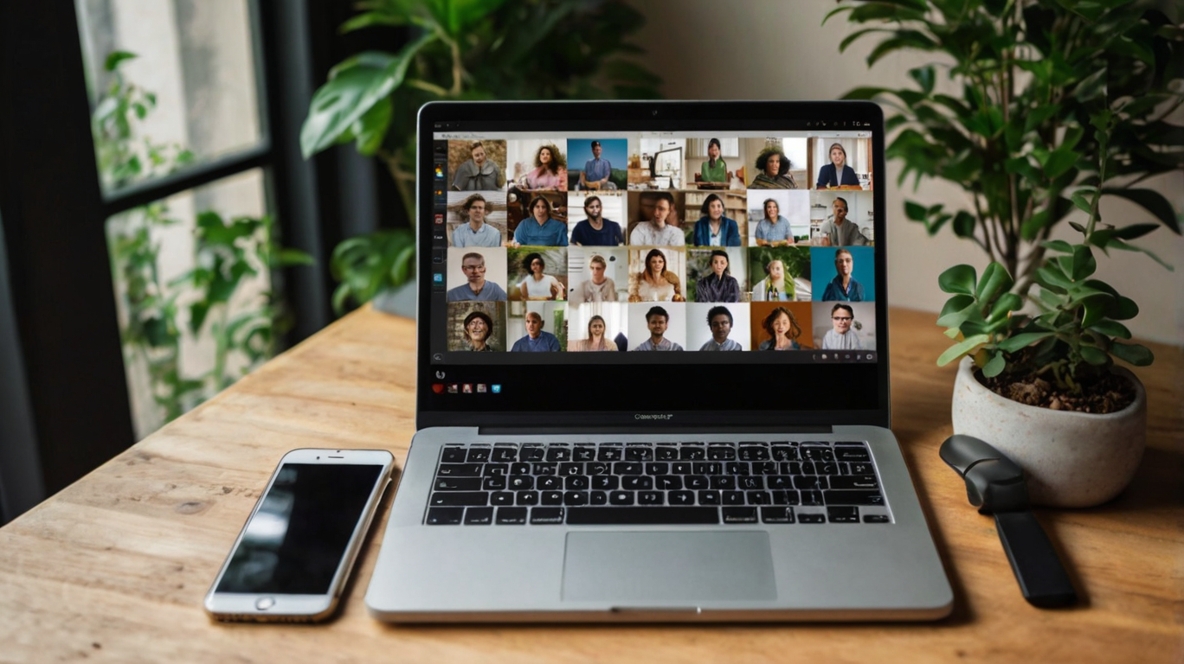
As remote work continues to shape the way businesses operate, having the right tools can make all the difference in maintaining productivity and fostering collaboration. From virtual meetings to project management, these apps are designed to streamline communication, keep your team connected, and ensure efficient workflows. Here’s a list of the top apps for remote work and collaboration in 2025.
1. Slack: Simplify Team Communication
- Best for: Instant messaging and team communication.
- Key Features:
- Organized channels for team discussions.
- Integration with over 2,000 apps like Google Drive and Trello.
- Video and voice call capabilities.
- Why Choose It: Slack keeps conversations organized and accessible, making it the go-to app for team communication.
2. Microsoft Teams: All-in-One Collaboration Platform
- Best for: Larger organizations and integrated workflows.
- Key Features:
- Video conferencing with up to 1,000 participants.
- Integration with Microsoft 365 tools.
- File sharing and co-editing capabilities.
- Why Choose It: Microsoft Teams combines communication, file sharing, and productivity tools in a single platform.
3. Zoom: The Gold Standard for Virtual Meetings
- Best for: Video conferencing and webinars.
- Key Features:
- HD video and audio quality.
- Breakout rooms for group discussions.
- Webinar hosting and recording.
- Why Choose It: Zoom’s intuitive interface and robust features make it a top choice for remote meetings.
4. Trello: Visual Task Management Made Simple
- Best for: Task tracking and project management.
- Key Features:
- Kanban-style boards for task organization.
- Drag-and-drop interface for ease of use.
- Integration with apps like Slack and Google Workspace.
- Why Choose It: Trello’s visual layout makes it easy to manage tasks and track project progress.
5. Asana: Advanced Project Management
- Best for: Complex team workflows.
- Key Features:
- Timeline views for project planning.
- Customizable task boards.
- Team progress tracking and reporting.
- Why Choose It: Asana is ideal for teams needing detailed project management and workflow customization.
6. Google Workspace: Seamless Document Collaboration
- Best for: Real-time collaboration on documents.
- Key Features:
- Google Docs, Sheets, and Slides for shared editing.
- Cloud-based storage via Google Drive.
- Integrated tools for email, calendar, and video meetings.
- Why Choose It: Google Workspace provides everything you need to create, collaborate, and store files in one place.
7. Notion: All-in-One Workspace
- Best for: Document sharing and knowledge management.
- Key Features:
- Create wikis, notes, and databases.
- Flexible templates for projects and tasks.
- Collaboration tools for team updates and check-ins.
- Why Choose It: Notion offers unparalleled flexibility for organizing and sharing information within teams.
8. ClickUp: Centralized Productivity Hub
- Best for: Managing tasks and increasing productivity.
- Key Features:
- Customizable dashboards for team tracking.
- Integration with over 1,000 apps.
- Time tracking and goal setting.
- Why Choose It: ClickUp combines project management, collaboration, and productivity tools in one app.
9. Miro: Virtual Whiteboard for Brainstorming
- Best for: Collaborative brainstorming and planning.
- Key Features:
- Digital whiteboard for visual collaboration.
- Pre-built templates for workflows and meetings.
- Integration with tools like Slack and Trello.
- Why Choose It: Miro brings creativity to remote collaboration with an easy-to-use digital whiteboard.
10. Basecamp: Simplified Team Coordination
- Best for: Small businesses and startups.
- Key Features:
- Message boards for team discussions.
- To-do lists for task management.
- Built-in chat and file sharing.
- Why Choose It: Basecamp offers a straightforward approach to keeping teams organized and on track.
Final Thoughts
Remote work doesn’t have to be a challenge. With the right apps, your team can stay connected, productive, and efficient, no matter where they are. Whether you need seamless communication, project management, or brainstorming tools, the apps listed above are the best in their class for remote work and collaboration in 2025.
Which apps have you tried? Let us know your favorites in the comments below!