




















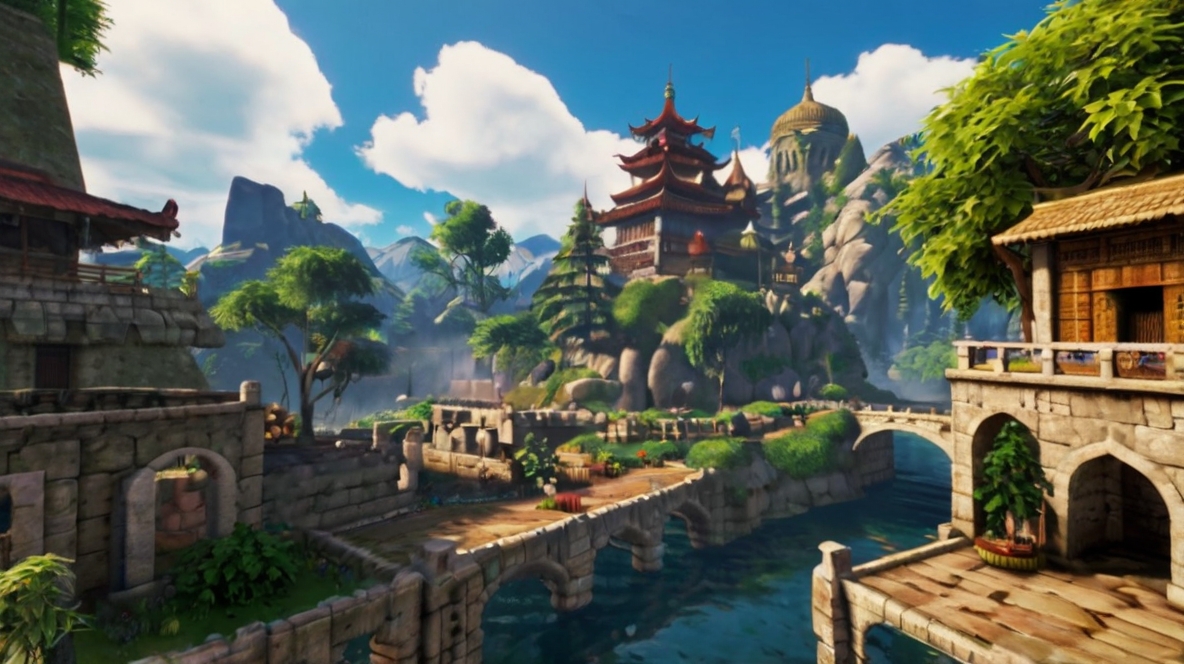
Have you ever dreamed of creating your own video game? With the rise of accessible game development tools and resources, it’s now easier than ever for beginners to dive into the world of game creation. Whether you want to build a simple 2D platformer or an immersive 3D adventure, this beginner’s guide will walk you through the essential steps to create a game.
1. Define Your Game Concept
The first step in game development is to define your game concept. Ask yourself:
- What type of game do I want to create? (e.g., puzzle, shooter, RPG)
- Who is my target audience?
- What is the core mechanic or unique selling point of my game?
Having a clear concept will guide your development process and keep you focused.
2. Learn the Basics of Game Design
Before you start creating your game, it’s important to understand the basics of game design. Study the principles of game mechanics, storytelling, and player engagement. Consider taking online courses or reading books on game design to build a solid foundation.
3. Choose the Right Game Development Tools
Selecting the right tools is crucial for game development. Here are some popular options:
- Unity: A versatile game engine suitable for both 2D and 3D games.
- Unreal Engine: Known for its high-quality graphics and powerful tools, ideal for 3D games.
- GameMaker Studio: Great for beginners creating 2D games with a drag-and-drop interface.
Each tool has its strengths and learning curves, so choose one that aligns with your game concept and skill level.
4. Start Small and Build a Prototype
As a beginner, it’s best to start with a small project. Create a basic prototype of your game to test out your ideas and mechanics. This step allows you to identify potential issues and make necessary adjustments early on.
5. Design Your Game Assets
Game assets include characters, environments, sound effects, and music. You can create your own assets using tools like Adobe Photoshop for graphics and Audacity for audio. Alternatively, there are many online resources where you can purchase or download free assets to use in your game.
6. Implement Your Game Mechanics
Once you have your assets, it’s time to implement your game mechanics. This involves coding the behaviors and interactions of your game elements. If you’re new to programming, start with simple tasks and gradually tackle more complex features.
7. Test and Iterate
Testing is a critical part of game development. Playtest your game regularly to identify bugs, balance gameplay, and improve user experience. Gather feedback from friends or online communities to gain insights and make necessary iterations.
8. Polish and Optimize
After testing and iterating, focus on polishing your game. Improve graphics, enhance sound quality, and ensure smooth performance across different devices. Optimization is key to providing a seamless experience for players.
9. Publish and Promote Your Game
With your game polished and ready, it’s time to publish. Choose a platform that suits your game, such as Steam, itch.io, or the App Store. Create a marketing plan to promote your game, using social media, forums, and gaming communities to reach potential players.
10. Keep Learning and Improving
Game development is a continuous learning process. Stay updated with the latest trends, tools, and techniques in the industry. Join game development forums, attend workshops, and collaborate with other developers to keep improving your skills.
Creating your own video game can be a rewarding and fulfilling experience. By following this beginner’s guide, you’ll be well on your way to bringing your game ideas to life. Remember, the key to successful game development is perseverance, creativity, and a passion for gaming. Happy game making!