





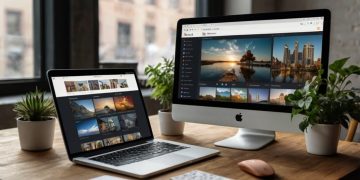














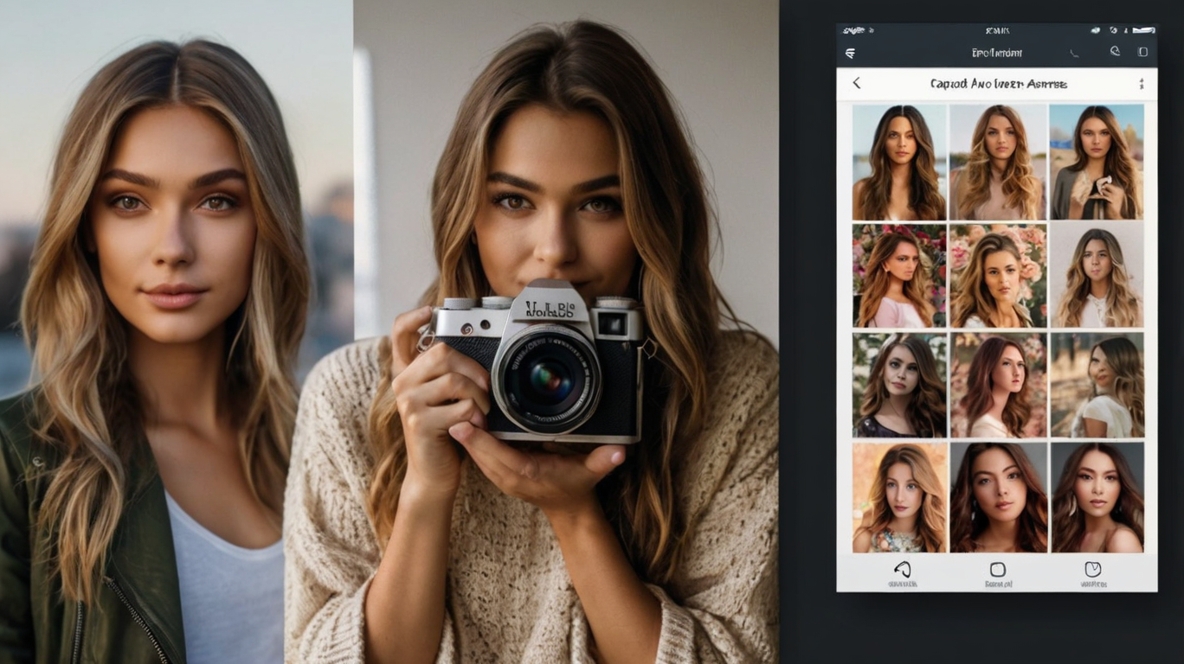
In 2025, the world of photo editing has evolved into a blend of advanced AI technology and intuitive design. Whether you’re an aspiring influencer, a seasoned content creator, or someone who just wants their selfies to pop, the right photo editing app can transform your pictures from average to Instagram-worthy. Below, we explore the best editing apps for iPhone and Android, including powerful AI photo apps and top VSCO alternatives.
1. Adobe Lightroom Mobile
Best for: Professional-grade editing on mobile
Adobe Lightroom continues to dominate the mobile editing scene. With features like selective adjustments, AI-enhanced presets, and RAW editing, it’s a go-to for serious photographers and content creators.
Pros:
-
Advanced editing tools
-
Cloud sync with Adobe Creative Cloud
-
Excellent for color grading
Cons:
-
Steeper learning curve
-
Subscription required for premium features
2. Lensa AI
Best for: AI portrait enhancement
Lensa AI became a viral sensation for its AI-powered portrait enhancements and artistic filters. It’s perfect for users who want instant, flawless selfies with minimal effort.
Pros:
-
Automatic skin smoothing and background blur
-
AI filters for stylized effects
-
Easy to use
Cons:
-
Limited manual control
-
Watermark on free version
3. Snapseed
Best for: Free, powerful editing
Developed by Google, Snapseed is one of the most powerful free photo editing apps available. It offers a mix of basic and professional features, with intuitive UI for users at any skill level.
Pros:
-
Completely free
-
Precise tools like Curves and Selective Brush
-
Non-destructive editing
Cons:
-
Interface may feel outdated to some
-
No built-in community or presets marketplace
4. VSCO
Best for: Aesthetic filters and social sharing
VSCO still holds its ground as a top Instagram photo editor thanks to its clean interface and beautifully curated filters. Its built-in community allows creatives to share their work without the pressure of likes and followers.
Pros:
-
Elegant, film-inspired filters
-
Built-in camera app
-
Minimalist editing workflow
Cons:
-
Limited tools on free version
-
Some competitors now offer more AI features
5. Picsart
Best for: Creative edits and collages
Picsart combines powerful editing tools with a vibrant creative community. Whether you’re adding stickers, backgrounds, or AI filters, it’s a great tool for playful and imaginative photo edits.
Pros:
-
All-in-one creative suite
-
Popular for AI tools and generative art
-
Great for collages and social media posts
Cons:
-
Can feel cluttered with features
-
In-app purchases and ads in the free version
6. Prequel
Best for: Aesthetic filters and video effects
Prequel is ideal for those who love vibrant, on-trend edits and short-form video content. With retro effects, AI avatars, and cinematic filters, it’s a fantastic VSCO alternative for Gen Z users.
Pros:
-
Trendy and fun effects
-
AI enhancements for both photo and video
-
Easy sharing to Instagram and TikTok
Cons:
-
Heavy on filters, light on manual control
-
Subscription needed for full access
7. Afterlight
Best for: Simple yet powerful editing
Afterlight offers a balance between professional editing and simplicity. With film textures, customizable filters, and advanced tools, it’s a hidden gem among best editing apps for iPhone and Android.
Pros:
-
Blend of ease and depth
-
Unique textures and overlays
-
Great for vintage edits
Cons:
-
Not as frequently updated
-
No AI tools yet
What to Look for in a Photo Editing App in 2025
-
AI-Powered Tools: These can automate edits like sky replacement, blemish removal, and portrait retouching.
-
Custom Filters & Presets: Especially useful for creating a consistent Instagram feed.
-
Ease of Use: Intuitive UI can save time and make editing enjoyable.
-
Cross-Platform Availability: Syncing across devices is essential for creators on the go.