




















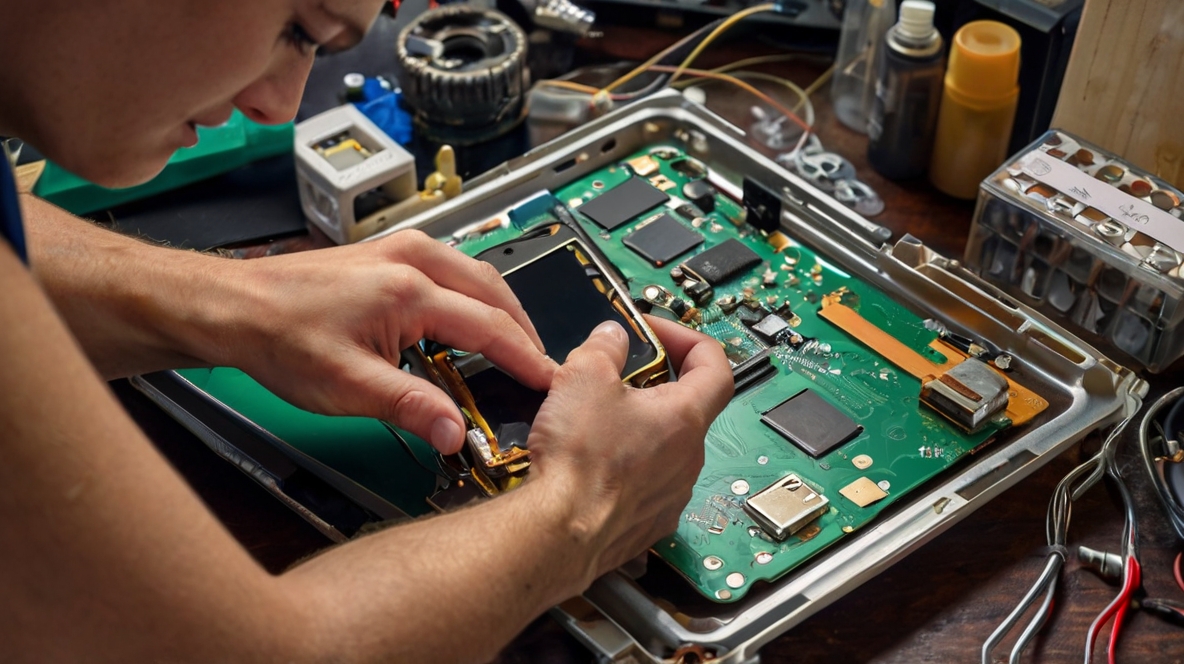
In today’s fast-paced world, our Mobile Phone Repair are indispensable. From keeping us connected with loved ones to managing our schedules and providing endless entertainment, these devices are essential. But what happens when your phone starts acting up? Instead of rushing to a repair shop, why not try your hand at DIY phone repair? With the right guidance, you can handle many common issues on your own. In this blog, we’ll share some practical mobile phone repair tips and tricks to help you troubleshoot and fix your device.
1. Screen Replacement
One of the most common mobile phone issues is a cracked or shattered screen. While this might seem daunting, replacing a phone screen is one of the easier DIY phone repair tasks. Here’s how:
- Tools Needed: Small Phillips screwdriver, plastic prying tools, suction cup, and a replacement screen.
- Steps:
- Power off the phone and remove the screws near the charging port.
- Use the suction cup to lift the screen slightly, then insert the prying tool to gently separate the screen from the body.
- Disconnect the cables that attach the screen to the motherboard.
- Connect the new screen, screw everything back into place, and power on the phone.
Tip: Always buy a high-quality replacement screen to ensure it fits and functions correctly.
2. Battery Replacement
Is your phone’s battery draining quickly or not holding a charge? Replacing the battery can breathe new life into your device. Follow these phone troubleshooting steps:
- Tools Needed: Small Phillips screwdriver, plastic prying tools, and a new battery.
- Steps:
- Power off the phone and remove the back cover or screws holding the battery cover in place.
- Carefully disconnect the battery connector and remove the old battery.
- Place the new battery in, reconnect it, and secure everything back into place.
Warning: Always use a battery specifically designed for your phone model to avoid potential damage or safety risks.
3. Water Damage Recovery
Accidentally dropped your phone in water? Don’t panic. Quick action can save your device. Here’s how to fix your phone after water exposure:
- Steps:
- Immediately turn off the phone to prevent short-circuiting.
- Remove the SIM card, memory card, and battery (if removable).
- Use a soft cloth to gently dry the exterior.
- Place the phone in a bag of uncooked rice or silica gel packets for at least 24 hours to absorb moisture.
Note: Avoid using a hairdryer or other heat sources as they can damage internal components.
4. Software Issues
Sometimes, the problem isn’t with the hardware but with the software. If your phone is freezing, lagging, or crashing, try these phone troubleshooting steps:
- Restart Your Phone: A simple restart can resolve minor software glitches.
- Update Software: Check for any available software updates as they often include bug fixes.
- Factory Reset: If the issues persist, back up your data and perform a factory reset to restore your phone to its original state.
Caution: A factory reset will erase all data, so ensure you’ve backed up everything important before proceeding.
5. Charging Port Issues
If your phone isn’t charging properly, the charging port might be the culprit. Here’s how to address this issue:
- Tools Needed: Toothpick, compressed air, and a small brush.
- Steps:
- Power off the phone and gently clean the charging port with a toothpick to remove any lint or debris.
- Use compressed air to blow out any remaining dust.
- If the problem persists, the port may need to be replaced, which is best done by a professional.