




















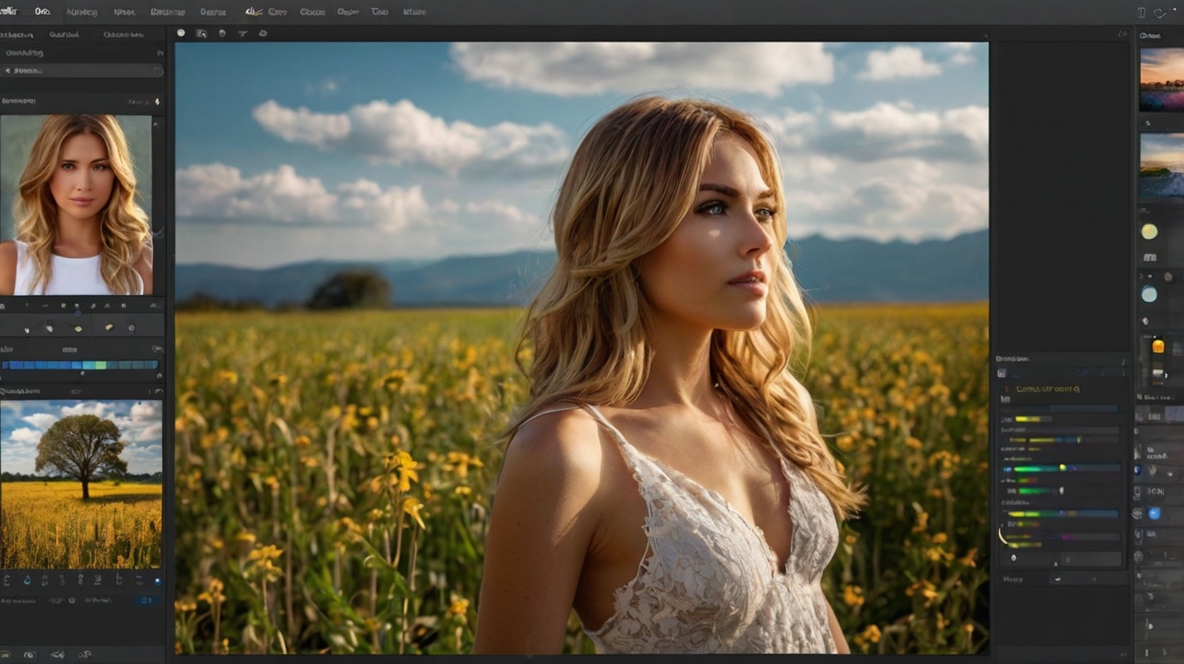
Best Photo Editing Apps for 2025: Top Creative Tools and Filters You Need
In the age of social media and digital photography, the right photo editing apps are essential for transforming ordinary photos into stunning visual masterpieces. Whether you’re a seasoned photographer, a social media influencer, or just someone who loves capturing memories, these creative tools can take your photos to the next level. From enhancing colors and adjusting lighting to adding unique filters and artistic effects, the possibilities are endless.
In this guide, we’ll explore the best photo editing apps available in 2025, offering you the perfect combination of features and creative potential to make every photo pop.
1. Adobe Lightroom – Professional Editing with Ease
Adobe Lightroom remains one of the most powerful and versatile photo editing apps on the market. It’s designed for both beginners and professionals, offering robust editing tools with intuitive controls. Lightroom is particularly known for its precision in color grading, tonal adjustments, and RAW photo editing.
Why it’s great:
- Offers advanced tools like selective adjustments, curves, and gradients.
- Non-destructive editing, so your original image is never altered.
- Syncs across devices, so you can edit photos anywhere.
- Provides access to presets and professional-quality filters.
Top Feature: The ability to fine-tune exposure, contrast, and color with a high degree of accuracy.
2. Snapseed – Simple Yet Powerful Editing
Snapseed by Google is a highly-rated photo editing app known for its simplicity and powerful features. It’s perfect for those who want professional-quality edits without a steep learning curve. Snapseed offers an array of tools for adjusting light, colors, and details with ease.
Why it’s great:
- Wide range of editing tools including filters, brushes, and textures.
- Precision masking tools for targeted edits.
- Easy-to-use interface with one-tap adjustments.
- Great for beginners looking to enhance their photos quickly.
Top Feature: The “Selective” tool for pinpointing specific areas of an image to adjust without affecting the rest.
3. VSCO – Creative Filters for Social Media
For those who love adding artistic flair to their photos, VSCO is the go-to app for filters. This photo editing app offers a wide range of unique presets and creative tools that help give your photos a professional, polished look. It’s especially popular among influencers and photographers for its consistent, Instagram-ready results.
Why it’s great:
- High-quality, unique filters with customizable strength.
- Includes video editing features for cohesive visual content.
- Simple interface that allows for quick edits.
- Extensive community for sharing your photos and gaining inspiration.
Top Feature: The ability to fine-tune filter strength to get the perfect look for your photos.
4. PicsArt – Fun and Creative Editing Features
PicsArt is one of the most popular photo editing apps for creative enthusiasts. With its easy-to-use features and unique tools, it’s perfect for those who want to experiment with different styles and effects. You can create everything from collages to artistic images using an impressive collection of brushes, stickers, and customizable filters.
Why it’s great:
- Offers a wide range of filters, frames, and effects.
- Powerful drawing and design tools for customizing photos.
- Access to an extensive library of free clip-art, fonts, and other graphic elements.
- Fun tools like a photo-to-drawing filter or a text overlay feature.
Top Feature: The ability to create unique and fun designs with customizable stickers, fonts, and backgrounds.
5. Prisma – Artistic Filters for Stunning Effects
If you want to turn your photos into works of art, Prisma is the app for you. It’s known for its artistic filters that transform your photos into paintings or drawings inspired by famous artists. Prisma is perfect for adding a unique, creative twist to your photos.
Why it’s great:
- Unique art-style filters based on famous artists like Picasso and Van Gogh.
- Adjust the strength of the artistic effect to create a perfect blend.
- Simple to use with quick, automatic transformations.
- Offers a variety of premium filters available with a subscription.
Top Feature: Artistic filters that turn your photos into digital artworks in seconds.
6. Afterlight – Perfect for Fine-Tuning Your Photos
Afterlight is another fantastic photo editing app that strikes the balance between simplicity and advanced features. Known for its wide variety of filters and textures, it’s ideal for users who want more control over their edits while still keeping the process fast and straightforward.
Why it’s great:
- Offers a broad range of filters and textures, including light leaks and gradients.
- Advanced editing tools like curves, levels, and blending modes.
- Simple interface that’s intuitive for new users.
- Great for fine-tuning the details and enhancing photos with a personal touch.
Top Feature: The ability to apply textures and blending modes to create stylish, unique edits.
7. Facetune – Perfect for Portrait Photography
For those who love taking portraits or selfies, Facetune is the photo editing app to have in your toolkit. While it’s primarily focused on retouching, it also offers tools to enhance skin tones, whiten teeth, and smooth out imperfections, making it perfect for beauty-focused edits.
Why it’s great:
- Tools specifically designed for portrait and selfie enhancements.
- Smoothens skin, brightens eyes, and adjusts facial features.
- Easy-to-use with intuitive controls.
- Includes makeup tools and teeth whitening for a polished look.
Top Feature: The ability to seamlessly smooth skin and enhance facial features for flawless portraits.
8. Lightroom Mobile – Pro Editing on the Go
Lightroom Mobile brings Adobe’s powerful editing tools to your phone, offering a range of professional features for editing on the go. It’s especially useful for photographers who want to take their RAW photos and make detailed adjustments directly on their mobile devices.
Why it’s great:
- Includes advanced editing tools like gradient filters, split toning, and color curves.
- Syncs across desktop and mobile devices for seamless editing.
- Supports RAW and TIFF files for high-quality adjustments.
- Organize photos in collections and albums for easy access.
Top Feature: The ability to edit RAW images with full control over exposure, contrast, and color.
9. PhotoDirector – Easy-to-Use Editing with Fun Effects
PhotoDirector is an app that combines professional editing tools with fun, creative features. It’s great for anyone who loves experimenting with effects like animated elements, light trails, and sky replacements while maintaining high-quality edits.
Why it’s great:
- Provides animated effects and creative content like sky replacement and light drawing.
- Simple interface with beginner-friendly tools.
- Offers tools for photo enhancement like skin smoothening and object removal.
- Supports advanced edits like curves and color correction.
Top Feature: Creative tools that allow you to replace skies, add light effects, and create animated images.