




















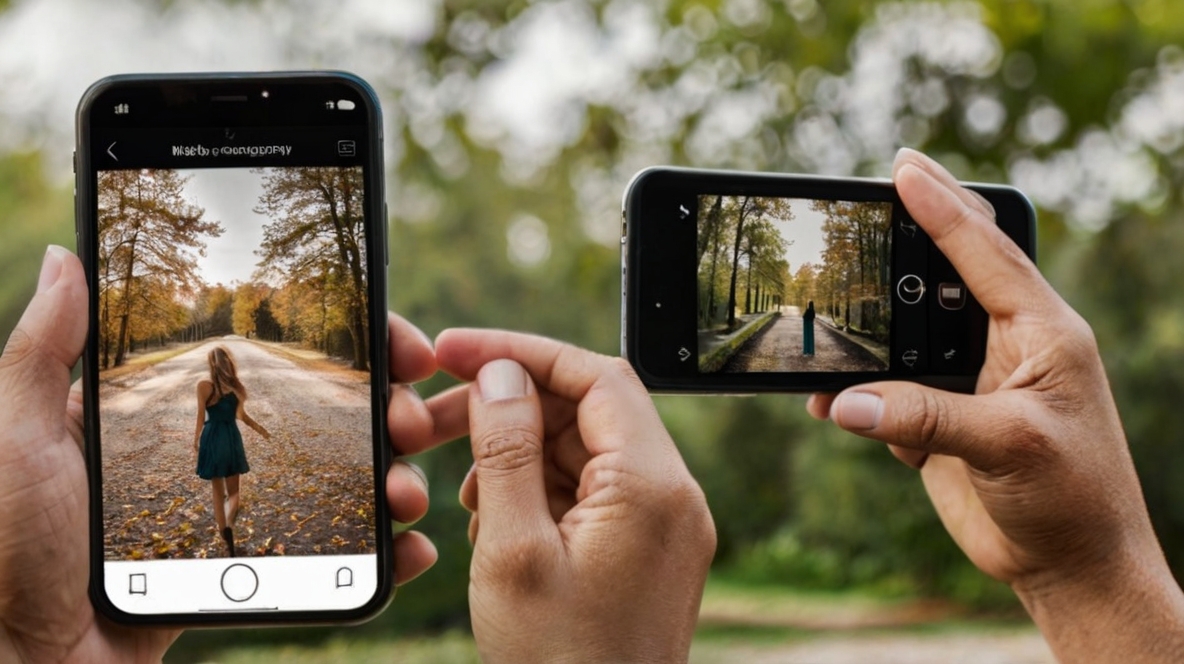
In today’s digital age, the camera you carry in your pocket is often more powerful than the professional equipment of yesteryears. Whether you’re looking to capture stunning landscapes, candid moments, or creative compositions, your smartphone can be your best ally. This article provides essential Mobile phone photography tips for beginners, offering a comprehensive smartphone photography guide that will elevate your mobile photo game.
1. Clean Your Lens
It might sound obvious, but cleaning your lens is one of the most important beginner photography tips. Our phones spend a lot of time in our pockets, bags, or hands, collecting dust, fingerprints, and smudges. A clean lens ensures that your photos are sharp and clear, avoiding that dreaded foggy or blurry look.
2. Understand Lighting
Lighting is the backbone of any great photograph. Natural light is your best friend when starting with mobile photography. Try to shoot during the golden hours—just after sunrise or before sunset—when the light is soft and warm. If you’re shooting indoors, position your subject near a window to harness the natural light. Avoid using your phone’s built-in flash as it can create harsh shadows and unnatural skin tones.
3. Focus on Composition
Good composition can turn an ordinary photo into an extraordinary one. One of the most effective mobile photo tips is to use the rule of thirds. Most smartphone cameras have a grid feature that divides the screen into nine equal parts. Place your subject along these lines or at their intersections to create a balanced and visually appealing photo.
4. Experiment with Angles
Don’t be afraid to experiment with different angles and perspectives. Instead of shooting everything at eye level, try taking photos from a lower or higher angle. This can add depth and interest to your images. Also, try shooting from unusual angles like through objects or reflections to create a unique viewpoint.
5. Use HDR Mode
HDR (High Dynamic Range) mode helps to balance the light and dark areas of your photos, making it particularly useful in high-contrast situations. When you enable HDR, your phone takes multiple photos at different exposures and combines them into one well-exposed image. This is especially useful for landscapes and outdoor scenes where the lighting may be tricky.
6. Take Advantage of Editing Apps
Post-processing is a crucial part of photography. There are countless apps available that can help you enhance your photos. Editing apps like Adobe Lightroom, Snapseed, and VSCO offer a range of tools to adjust exposure, contrast, saturation, and more. However, be mindful not to over-edit. The goal is to enhance the photo, not to make it look unnatural.
7. Keep Your Camera Steady
Blurry photos are often the result of a shaky hand. When taking a photo, try to keep your hand as steady as possible. If you’re shooting in low light or using a slow shutter speed, consider using a tripod or resting your phone on a stable surface. Many smartphones also have built-in stabilization features, so make sure these are enabled.
8. Zoom with Your Feet
Digital zoom on smartphones can degrade the quality of your photos, making them look pixelated and blurry. Instead of using the zoom feature, move closer to your subject to maintain image quality. This technique, often referred to as “zooming with your feet,” is one of the simplest yet most effective smartphone photography guide tips.
9. Practice Makes Perfect
As with any skill, practice is key to improvement. The more you experiment with your phone’s camera, the better you’ll understand its capabilities and limitations. Take time to try out different settings, explore new environments, and push the boundaries of your creativity.
10. Know Your Phone’s Features
Finally, familiarize yourself with your phone’s camera settings and features. Most modern smartphones come equipped with various modes like portrait, panorama, and night mode, as well as manual settings for ISO, shutter speed, and white balance. Understanding how to use these features will give you more control over your photos and help you achieve the desired effect.